Security key allow-list
Build a security key allow-list you can defend
Which security keys does your server accept, and why those? The FIDO Metadata Service lists every model, but two people who filter it rarely end up with the same list. The allow-list builder shows what each criterion removes, who stands behind it and where two lists differ.
- About 10 minutes
- Runs in your browser
- FIDO MDS, current file

Build the list in five steps
- 1
Start from what the keys are for
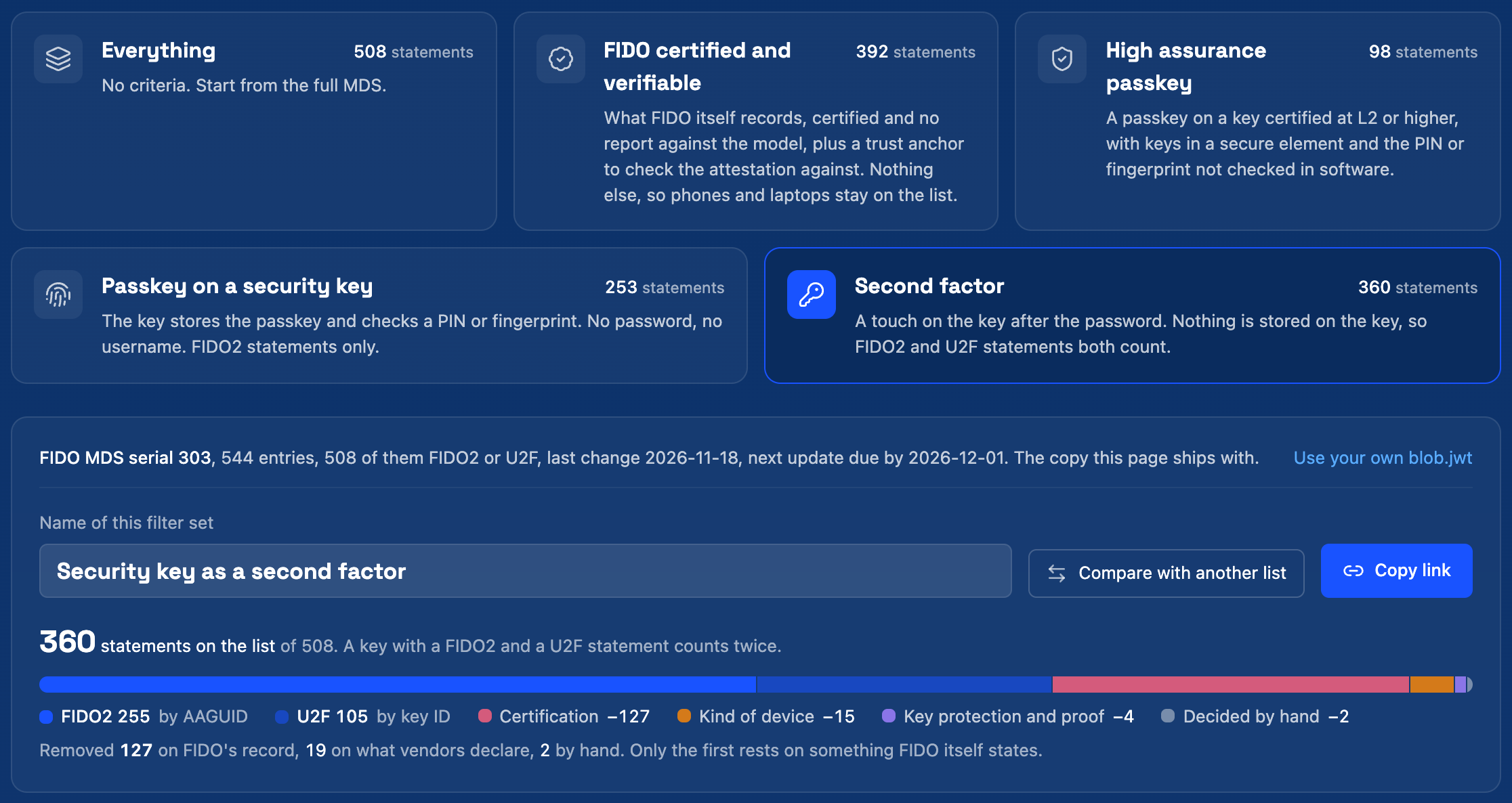
Open the allow-list builderA key that is touched after the password and a key that holds a passkey need different criteria. Pick Second factor, Passkey on a security key or High assurance passkey. Each card shows how many statements it keeps.
FIDO certified and verifiable is the baseline: what FIDO itself records, plus a trust anchor so the model can be proven at registration. It still contains phones and laptops, which is why the other starting points add criteria.
- 2
Read what each criterion removes
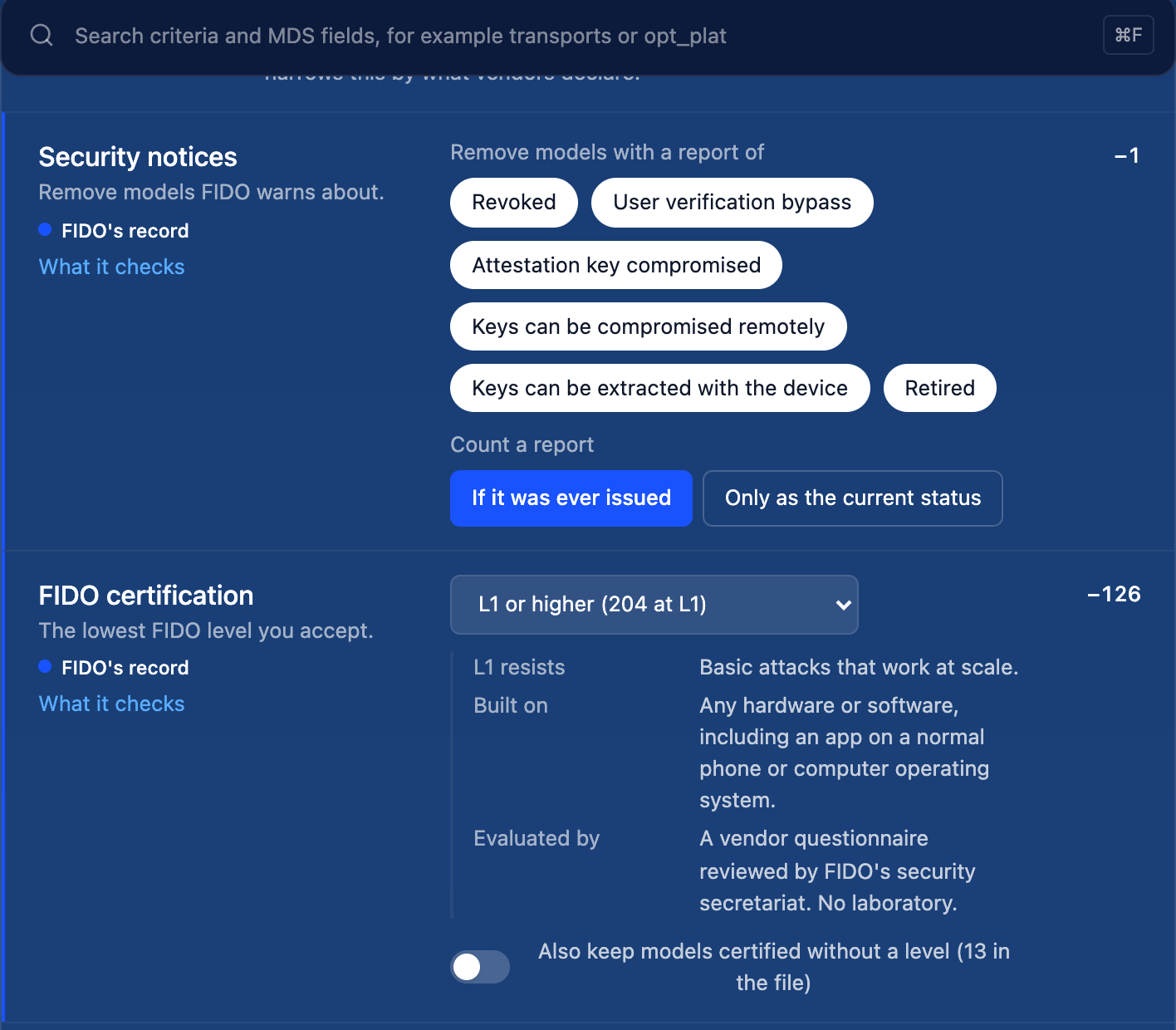
Every criterion is a row: its setting, the number of statements it removes and where its data comes from. A filled mark means FIDO's record, the status and certification reports. A hollow mark means the vendor declared it.
The line under the bar adds it up: how many were removed on FIDO's record, how many on what vendors declare and how many by hand. Click a number to see the models behind it.
- What it checks
- Opens the fields a criterion reads and the values found in the file.
- L1 or higher
- The lowest FIDO level you accept. Each level is explained under the control.
- 3
Decide makers and single models
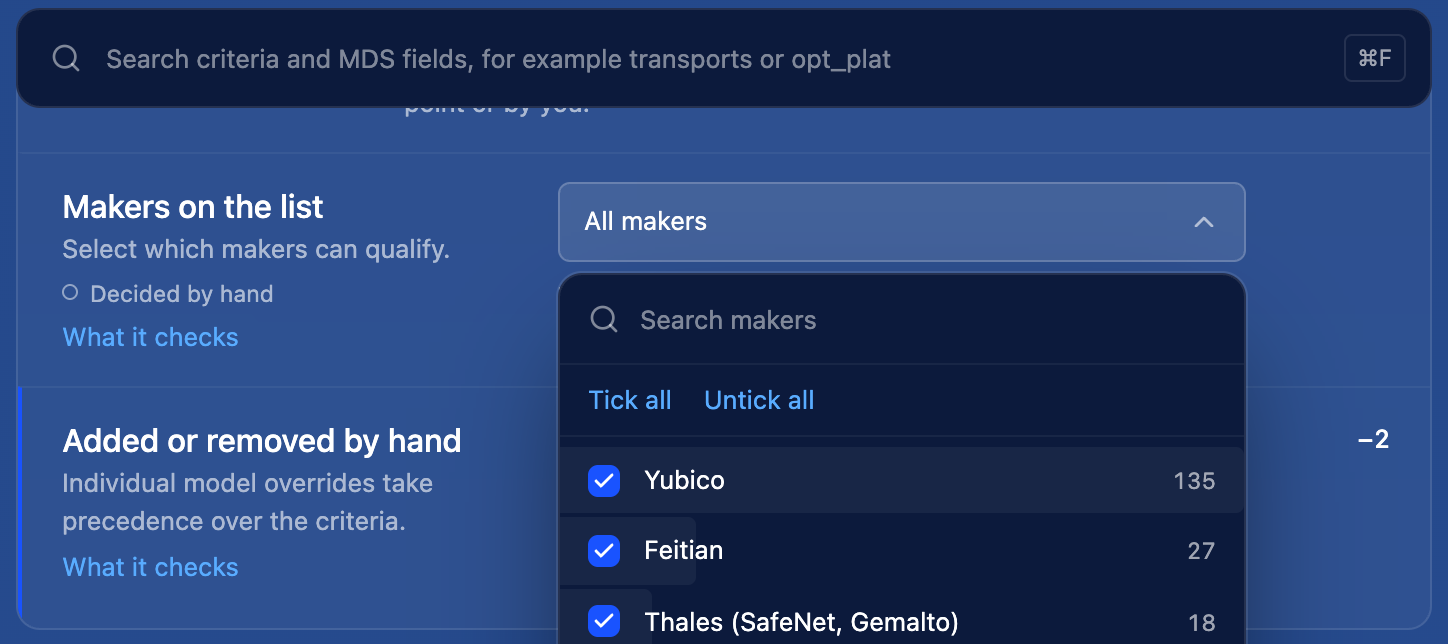
Some decisions are not in the metadata. Under Decided by hand you choose makers, either all except a few or only the ones you name, and add or remove single models. These show up as decided by hand in every export, so a reviewer can tell them from the criteria.
- 4
Compare with another list
Choose Compare with another listand paste the other side's AAGUIDs and key IDs, straight from a spreadsheet. For every model only one side keeps, the builder names the criterion that removes it. Make sure both sides use the same file first: the serial number is shown above the criteria.
- 5
Export the list and the logic
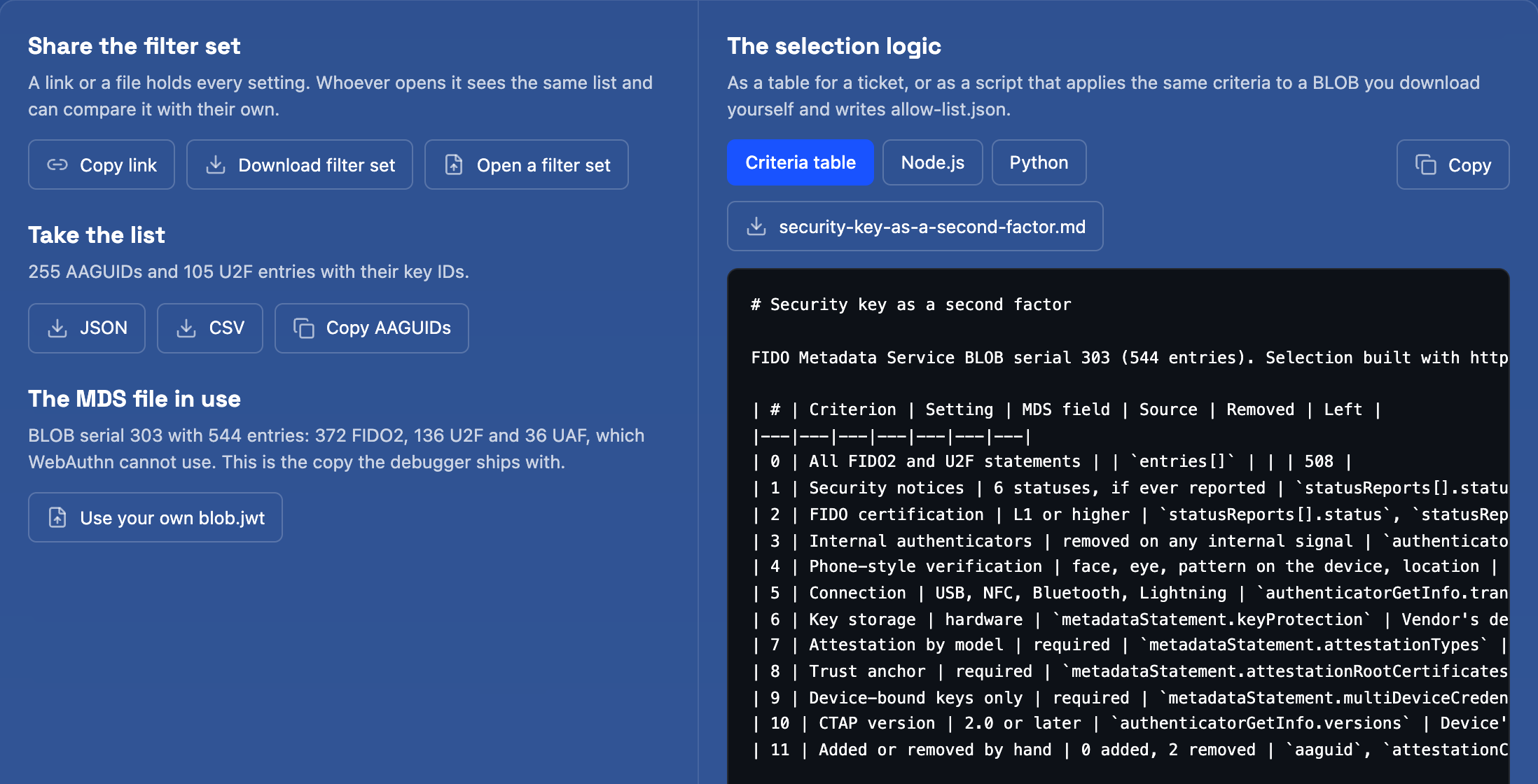
Share the filter set as a link or a file, and take the list as JSON or CSV. The criteria table goes into a ticket or a policy document as it is.
The Node.js and Python scripts apply the same criteria to a file you download from FIDO yourself. Run them on each new file instead of editing the list.
From a list to a security key policy
The list says which models are accepted. A policy also says how that is checked and what happens over time. The builder does not decide these four for you.
Proof at registration
Ask for attestation and verify it against the roots in the metadata. Without it, the AAGUID is only a number the client sent.
Keys not on the list
Refuse the registration, or accept it and mark the key for review.
A model is revoked later
Block its keys at the next sign-in, ask for a replacement within a set time, or only flag them.
Refresh
How often the list is rebuilt from a new file, and who reviews what changed.
Why two lists differ
The same file gives different lists more often than not. These are the usual causes.
Different totals before any criterion differs
The two sides use different versions of the FIDO file.
Compare the serial numbers and load the same blob.jwt on both sides.
NFC-only or Bluetooth-only keys are missing
A spreadsheet filter on exact transport values, such as usb only, drops keys that connect another way.
Use Connection with at least one of the transports, not Exact transport values.
Phones and apps are on the list
Certification alone does not say what kind of product a model is.
Add Internal authenticators and Phone-style verification, and review what they remove.
Keys on the list are refused
They registered in the U2F format, and the list only holds AAGUIDs.
Keep U2F statements and match them by the key ID of the attestation certificate.
Then test a real key
A list is a claim until a key registers against it. The debugger runs the registration and shows the AAGUID, the attestation format and the result of the metadata check.
Questions
- What is a security key allow-list?
- The list of security key models a server accepts at registration. Each model is named by an AAGUID, or for older U2F registrations by the key ID of its attestation certificate. The server compares the model in the attestation with the list and refuses the rest.
- Is FIDO certification enough for a security key policy?
- It is the only part the FIDO Alliance itself states, so it is the base of most policies. It does not say that a model is a security key: phones, laptops and apps are certified too. A policy for hardware keys therefore adds criteria that read what vendors declare, and should say so.
- Why does my list need key IDs as well as AAGUIDs?
- A key used as a second factor can register in the older U2F format, which carries no AAGUID. The server then finds the model by the key ID of the attestation certificate. A list that holds only AAGUIDs turns away keys that are on it.
- How often does the list have to be rebuilt?
- Whenever the FIDO Metadata Service changes, and FIDO recommends checking for a new file once a day. Keep the filter set, not the list, and run it again on each new file: new models join and revoked ones drop out without anyone editing rows by hand.
Related
Stuck on a result? Ask in the passkeys community on Slack and share the session link.
Corbado Observe
The debugger shows one login. Observe shows all of them.
The same client-side detail for every login in production, so you see where users fail before support tickets do.
Every authentication method
Per-user journeys
Device readiness
Your existing IdP